

Overview
You operations team can use the Transactions tab to help them address customer service inquires and fraud/AML investigations. You can use the Admin tab to add / remove users who have access to customer data. If you need to change any default assignee or escalation settings for Fraud & AML, you can do so on the Synctera Admin tab.Transactions tab home page
Our Transactions are categorized in the Console in three categories:- Declined/Failed Transactions - view transactions that were declined, rejected, including the Decline Reason right in the List View for easy access.
- Pending Transactions - view all pending transactions, such as card authorizations that have not yet cleared, ACHs with active holds, or internal transfers or SyncteraPay transactions that have not been released / posted.
- Posted Transactions - View all posted transactions, including posted returns or reversals.

Subtypes can indicate a specific use case as defined for the program (e.g. the internal transfer subtype
peer_to_peer indicates a P2P payment from one customer to another), or can be system generated based on the direction or action taken (e.g. cards subtype atm_withdrawal or ACH incoming_credit). For more information ACH subtypes, read our FAQ page here.
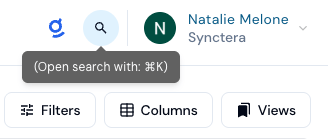
Top Navigation Options:
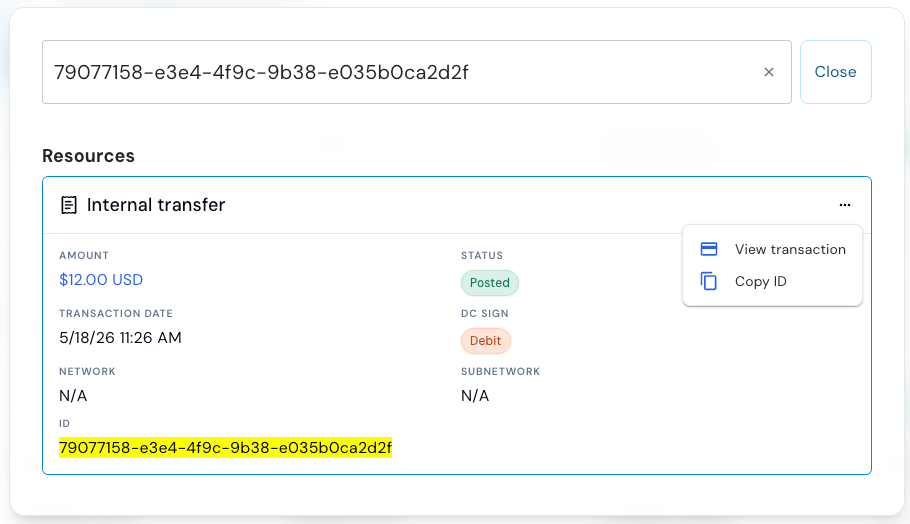
Information displayed after clicking on an individual transaction
Information displayed for each Transaction is customized to the rail to provide the most useful data, but broadly contains the following:- Amount of the transaction
- Status - See more information about Transaction Statuses here in our FAQ page.
- Hold expiry date - date the transaction is expected to post (once the hold clears).
- Created date - date the transaction was initiated
- Posted date - if posted
- Effective date
- Debit From/Credit To Accounts including reference information such as Status, Account Owner, Nickname, and Balance, with links to navigate to more information to either account for quick access
- File ID / link to file - e.g. Wire and ACH transactions
- Reference ID - linked Reference ID for copy/paste and searchability
- Description - if provided in the transaction
- Comments - if provided in the transaction
- Merchant - details on the merchant for card transactions
- External Account data for linked external account associated with the transaction, including Routing Number, Institution, Country, Verification Status, and Account Name
- Even more rail specific information may also be available, such as Identification Number, SEC code and Network Status for ACH transactions, and Recipient Message for Wires etc.
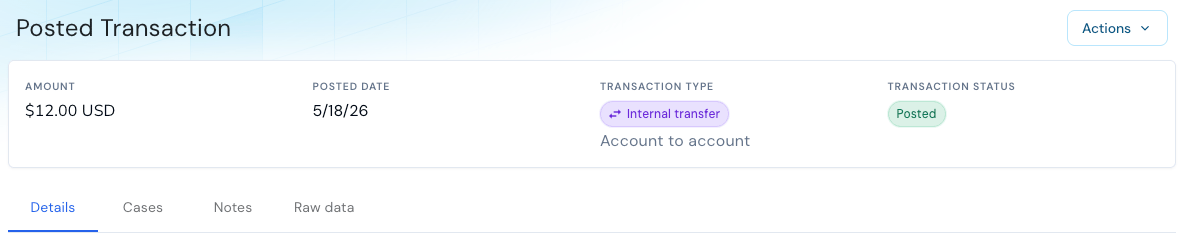
- Cases associated with the transaction (e.g. Dispute or Fraud Monitoring Cases)
- Notes - view or create notes on the transaction, for investigation and auditability of actions or interactions taken or associated with the transaction
- Raw Data - for granular investigations into the full data of the transaction, teams can review the full raw data